
How Can We Help?
How to set up BlueMail on Apple iOS
This article demonstrates how to set up the BlueMail email client on Apple iOS to access an XauZit Cloud e-mail account.
To configure BlueMail to work with your XauZit Cloud e-mail account, follow these steps:
- Start BlueMail.
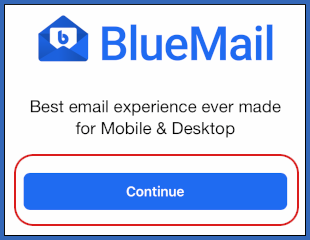
- Tap Continue:
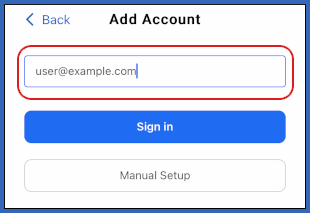
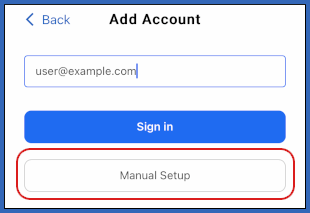
- On the Add Account page, in the text box, type the e-mail address of the account you created in cPanel:
- Tap Manual Setup:
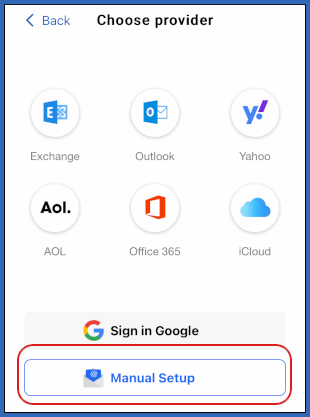
- On the Choose provider page, tap Manual Setup:
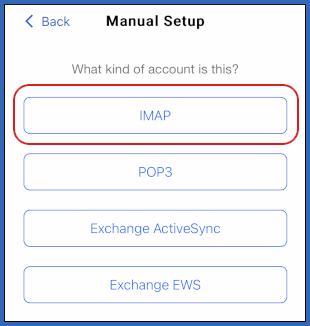
- On the Manual Setup page, type IMAP:
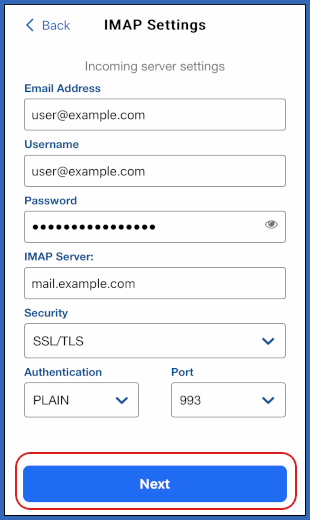
- On the IMAP Settings page, in the Email Address text box, type the e-mail address of the account you created in cPanel:
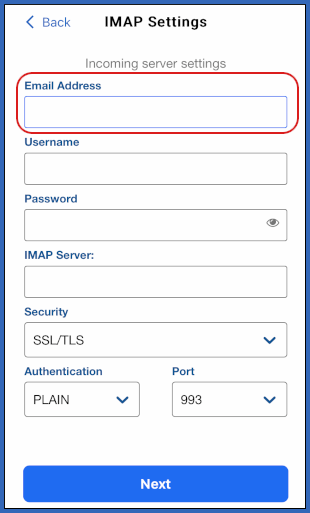
- In the Username text box, type the e-mail address of the account you created in cPanel.
- In the Password text box, type the password for the account you created in cPanel.
- In the IMAP Server text box, type mail.example.com, where example.com represents your domain name.
- In the Security list box, tap SSL/TLS.
- In the Authentication list box, tap PLAIN.
- In the Port text box, type 993.
- Tap Next:
- Under Outgoing server settings, in the Username text box, type the e-mail address of the account you created in cPanel:
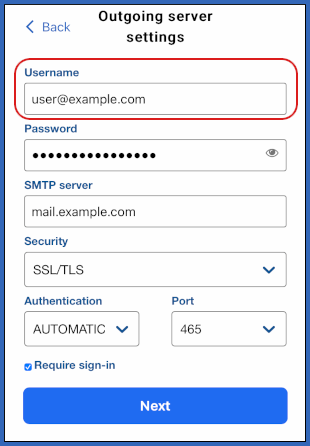
- In the Password text box, type the password for the account you created in cPanel.
- In the SMTP server text box, type mail.example.com, where example.com represents your domain name.
- In the Security list box, tap SSL/TLS.
- In the Authentication list box, tap AUTOMATIC.
- In the Port text box, type 465.
- Select the Require sign-in check box.
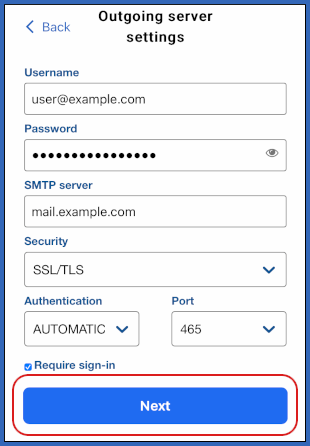
- Tap Next:
- In the Name text box, type the name that you want to appear on messages you send from the account:
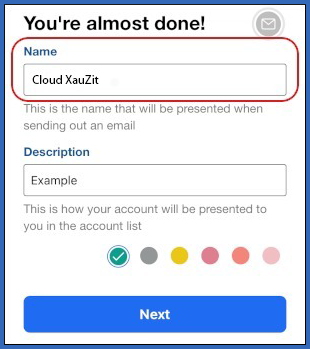
- In the Description text box, type an optional description for the account.
- Tap Next.
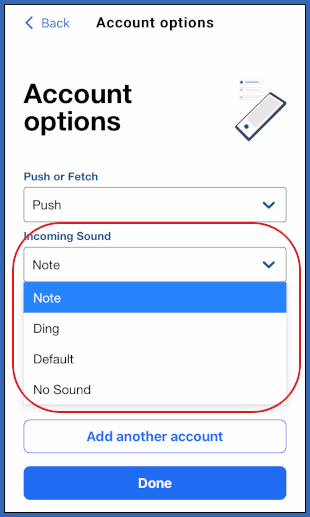
- On the Account Options page, in the Push or Fetch list box, select one of the following options:
- Push: You receive notification of messages as they arrive.
- Fetch: BlueMail periodically fetches messages from the mail server.
- Manual: You manually download messages when you want.

- In the Incoming Sound list box, select a message notification sound:
- Tap Done.
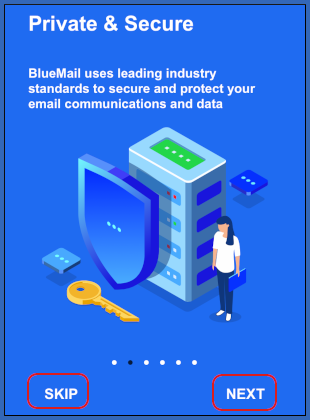
- Tap NEXT to view the short introduction, or tap SKIP:
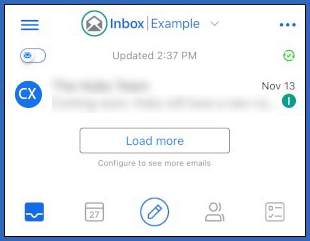
- BlueMail downloads any messages in the account, and the inbox appears: