



How Can We Help?
How to find the IP address for your hosting account
Knowing the IP address of your hosting account can be useful for viewing your website before DNS propagation is complete, or for managing your DNS settings through a third-party service like Cloudflare. To find your IP address, follow the appropriate procedure below for your account’s control panel.
cPanel
To determine the IP address on a cPanel-based account, follow these steps:
- Log in to cPanel.
- In the right column of the cPanel home screen, locate the General Information heading:
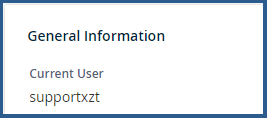
- In the General Information section, click Server Information:

- On the Server Information page, in the Item column, locate Shared IP Address or Dedicated IP Address:
